
15 posts tagged with "gantt"

View All Tags

Best Angular Gantt chart components

· 12 min read
Arsalan Khattak
Computer Science graduate and Developer Advocate at Bryntum, previously at Vercel. Writes about JavaScript UI components and developer tooling.

Choosing the right Gantt chart component for an Angular application depends on how much scheduling logic the library handles, how it integrates with Angular's component model, and what the license allows. This comparison covers five options: Bryntum Gantt, DHTMLX Gantt, Syncfusion Gantt, DayPilot Gantt, and ScheduleJS.

The comparison uses these criteria: installation, Angular integration, scheduling features, export support, pricing, and production trade-offs. Four of the five libraries ship native Angular wrappers. DHTMLX Gantt uses a container approach where you initialize the library inside ngAfterViewInit. If you are comparing libraries across frameworks rather than Angular specifically, see our article on the best JavaScript Gantt chart libraries for enterprise projects.
Best Gantt chart components for Salesforce Lightning Web Components

· 13 min read
Arsalan Khattak
Computer Science graduate and Developer Advocate at Bryntum, previously at Vercel. Writes about JavaScript UI components and developer tooling.

Salesforce developers who need a custom Gantt view inside a Lightning page face a specific integration challenge. Lightning Web Components render inside Shadow DOM, which means external libraries cannot use document.querySelector to find a container element. Instead, the component must use this.template.querySelector, and any container where an external library injects DOM must carry the lwc:dom="manual" directive.

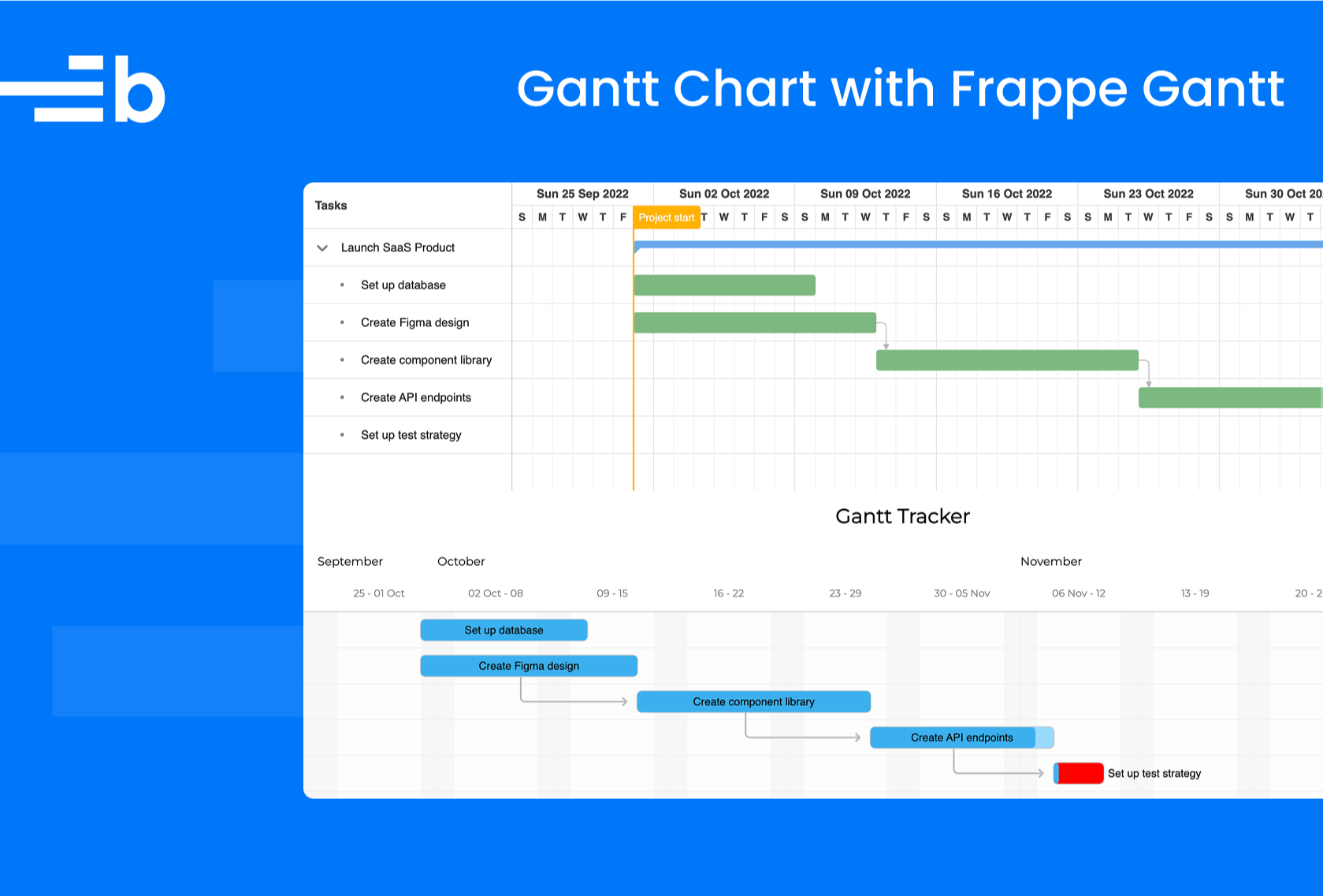
External JavaScript packages reach the browser either as Salesforce static resources or, for API version 54 and above, as npm modules configured through the Salesforce DX project. Both paths require extra setup that a standard web project does not need. This comparison covers five Gantt libraries that are compatible with the LWC environment: Bryntum Gantt, DHTMLX Gantt, Syncfusion Gantt, DayPilot Gantt, and Frappe Gantt.

The comparison uses these criteria: Salesforce DX installation, LWC initialization pattern, scheduling features, export support, pricing, and integration documentation.

Best JavaScript Gantt chart components for enterprise project management

· 15 min read
Arsalan Khattak
Computer Science graduate and Developer Advocate at Bryntum, previously at Vercel. Writes about JavaScript UI components and developer tooling.

Enterprise project management tools place demands on a Gantt chart component that go well beyond basic bar rendering. Teams need an auto-scheduling engine that propagates changes through task dependencies automatically, critical path visualization to identify schedule risk, resource management to track assignments and capacity, client-side export to PDF or Excel for reporting, and structured data-loading helpers that simplify backend integration. Framework wrappers for React, Angular, and Vue matter too, because most enterprise frontends are built on one of those three. We evaluated five components against those criteria: Bryntum Gantt, DHTMLX Gantt, Syncfusion Gantt, DayPilot Gantt, and Netronic VSW SE.

In this comparison, an enterprise Gantt component ships a scheduling engine rather than drag-and-drop positioning alone. It also includes built-in critical path calculation, resource assignment and histogram views, client-side document export, and framework support for mature engineering organizations. Each section covers installation, a working code example, the enterprise features available, pricing, and trade-offs.

Best React Gantt chart libraries

· 13 min read
Arsalan Khattak
Computer Science graduate and Developer Advocate at Bryntum, previously at Vercel. Writes about JavaScript UI components and developer tooling.

Choosing the right Gantt chart library for a React application depends on the scheduling features the product needs, how the library integrates with React's component model, and what the license costs at team scale. This comparison covers five libraries: Bryntum Gantt, DHTMLX Gantt, Syncfusion Gantt, DayPilot Gantt, and gantt-task-react.

The libraries range from a free MIT-licensed component suited to simple project timelines to full-featured enterprise schedulers with auto-scheduling engines, resource management, and client-side export. Four of the five provide a React-specific wrapper package. DHTMLX Gantt is a vanilla JavaScript library that must be initialized manually inside a React component using a container ref. For a broader comparison that also covers non-React contexts, see our guide to the best JavaScript Gantt chart libraries.

Best React Gantt chart components for project management

· 14 min read
Arsalan Khattak
Computer Science graduate and Developer Advocate at Bryntum, previously at Vercel. Writes about JavaScript UI components and developer tooling.

Building a project management UI requires more than rendering a timeline. Teams need work breakdown structure (WBS), baselines, critical path analysis, resource management, and dependency types beyond simple finish-to-start links. This comparison covers five React Gantt options against those criteria: Bryntum Gantt, DHTMLX Gantt, Syncfusion Gantt, DayPilot Gantt, and gantt-task-react.

The project management scope in this article means an auto-scheduling engine, all four dependency types, milestones, baselines, critical path highlighting, and resource management. Some libraries ship the full scheduling engine in the base product, others gate advanced features behind a higher license tier, and one is MIT-licensed but covers only basic visualization. For a wider comparison that covers libraries without those constraints, see our guide to the best React Gantt chart libraries.

Best Vue Gantt chart components

· 12 min read
Arsalan Khattak
Computer Science graduate and Developer Advocate at Bryntum, previously at Vercel. Writes about JavaScript UI components and developer tooling.

Choosing a Gantt chart library for a Vue project involves trade-offs between scheduling power, Vue integration, licensing, and cost. This comparison covers five options: Bryntum Gantt, DHTMLX Gantt, Syncfusion Gantt, DayPilot Gantt, and vue-ganttastic.

The comparison uses these criteria: native Vue support, installation, scheduling logic, export support, production pricing, and practical trade-offs. If you are evaluating Gantt libraries more broadly and are not tied to Vue, see our article on the best JavaScript Gantt chart libraries.

DHTMLX Gantt alternatives

· 13 min read
Arsalan Khattak
Computer Science graduate and Developer Advocate at Bryntum, previously at Vercel. Writes about JavaScript UI components and developer tooling.

DHTMLX Gantt is a JavaScript Gantt library with a GPL-licensed Standard edition covering drag-and-drop, dependency links, and basic task rendering. If you're looking for an alternative, you're likely trying to avoid the paid Pro gate for auto-scheduling, critical path, resource management, baselines, and task splitting, or you need client-side export instead of DHTMLX's online export service.

Syncfusion Gantt alternatives

· 12 min read
Arsalan Khattak
Computer Science graduate and Developer Advocate at Bryntum, previously at Vercel. Writes about JavaScript UI components and developer tooling.

Syncfusion Gantt is a JavaScript Gantt library with a Community License that is free for qualifying organizations: under $1 million in annual revenue, five or fewer developers, and ten or fewer total employees. If you're looking for an alternative, you're likely outside those limits, want published paid pricing, or need an HTTP MCP server for AI-assisted development rather than Syncfusion's stdio-based server.

Syncfusion Gantt vs ScheduleJS

· 13 min read
Arsalan Khattak
Computer Science graduate and Developer Advocate at Bryntum, previously at Vercel. Writes about JavaScript UI components and developer tooling.

Syncfusion Gantt and ScheduleJS are not direct substitutes. If you're choosing between them, you're deciding whether your application needs a project scheduling component with auto-scheduling, critical path, baselines, and export, or an Angular-only canvas visualization engine where your team owns the scheduling logic.

Start with these questions:

  • Does the organization qualify for the Syncfusion Community License?
  • Is Angular the only target framework?
  • Does the application provide its own scheduling logic, or does it need auto-scheduling and critical path built in?

This comparison uses these criteria:

  • Installation and setup
  • Licensing and cost
  • Scheduling features
  • Rendering model
  • Export support
  • Framework support
  • TypeScript support
  • AI support